Territory intelligence for home services
Score, map, manage, and share every ZIP a brand serves — whether you run the trucks, the ad budget, or the franchise map.
14-day free trial · Cancel anytime before you're charged
$1,600/month in wasted ad spend — identified in under 3 minutes
Running roofing ad campaigns targeting a ZIP with strong traffic volume. Monthly spend: ~$2,400. Leads: near zero.
Pulled the ZIP in AreaOps. Census data loaded immediately: 89% renter-occupied, 3% homeownership rate. University neighborhood.
Cut the ZIP from the campaign that afternoon. Monthly ad spend recovered: $1,600+. Budget redirected to high-homeownership ZIPs the next day.
Typical use case based on common patterns. Individual results will vary.
Every tool your ops team needs to manage territory
One tool to replace the spreadsheets, the manual ZIP lists, the screenshot maps, and the "which brand covers that ZIP?" questions.
Know exactly which ZIPs each brand covers
Visualize every brand's territory on one interactive map. Toggle layers, spot coverage gaps between brands, and answer coverage questions from the map instead of from memory.
Find the ZIPs draining your ad budget
Census homeownership and income data scores every ZIP in your footprint. University neighborhoods, renter-heavy corridors, and other low-conversion pockets stand out in time to cut them from the plan.
Import territory lists in seconds
Upload a CSV or XLSX, paste ZIP codes directly, or build a list from scratch using demographic filters. Apply it to any brand in one click, without manual data entry or reformatting.
Keep ops and field teams on the same page
Role-based access with a full audit trail. Reviewers approve or reject pending ZIPs; admins control exactly which brands each user can see and edit.
Layer your territory: Service Area, Marketing, and Priority ZIPs
Tag every ZIP with up to three overlapping labels. The map updates live, so ops and marketing plan campaigns from the same view of the territory.
Share your territory map without giving anyone an account
Generate a secure, time-limited link in one click. Clients, GMs, and franchise partners open it in a browser and explore the full interactive map.
How teams run territory in AreaOps
Real screenshots of the live product over a demo dataset: the territory map, ZIP intelligence, and the shared view partners see. This is what running multiple brands across hundreds of ZIPs looks like.
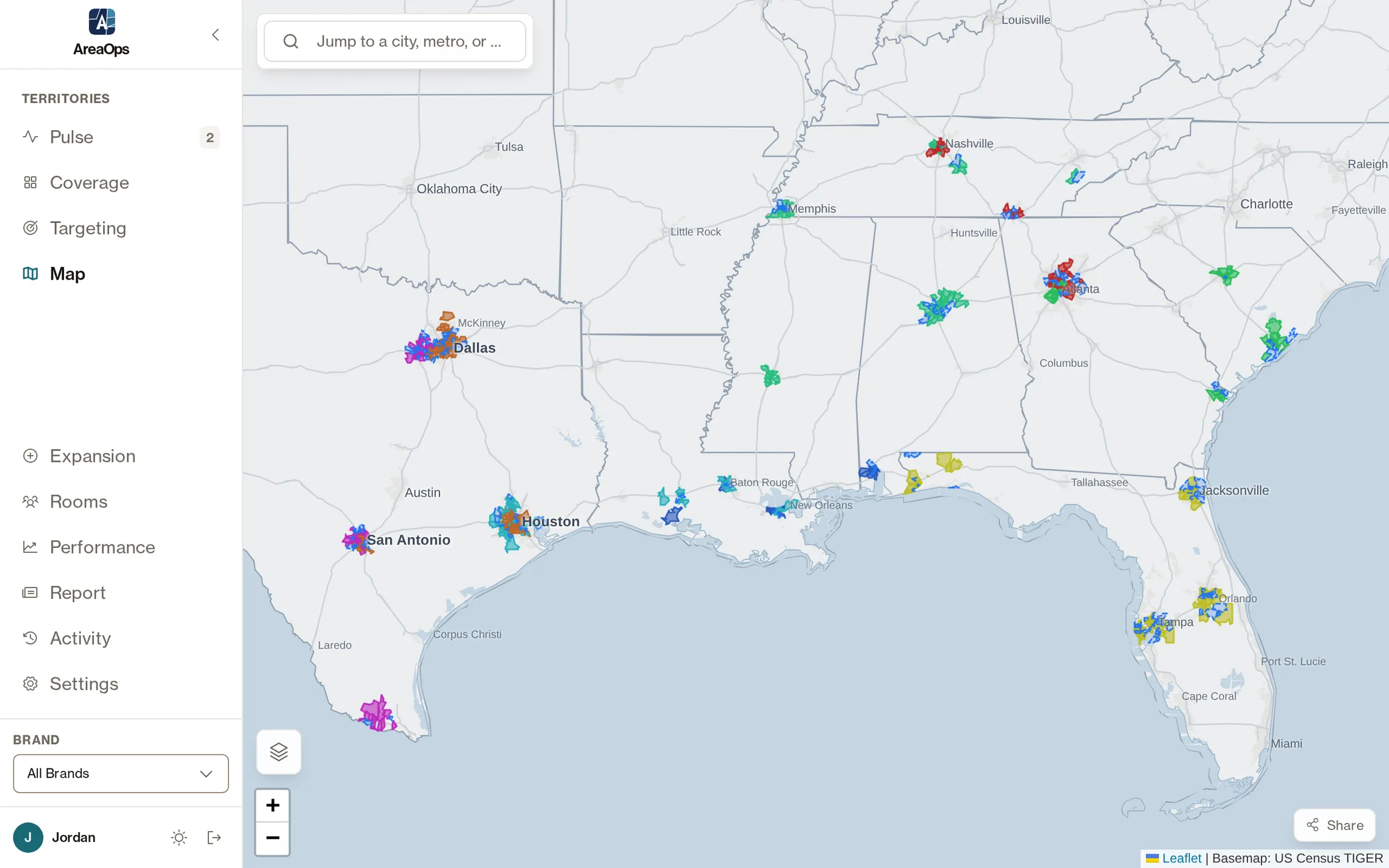
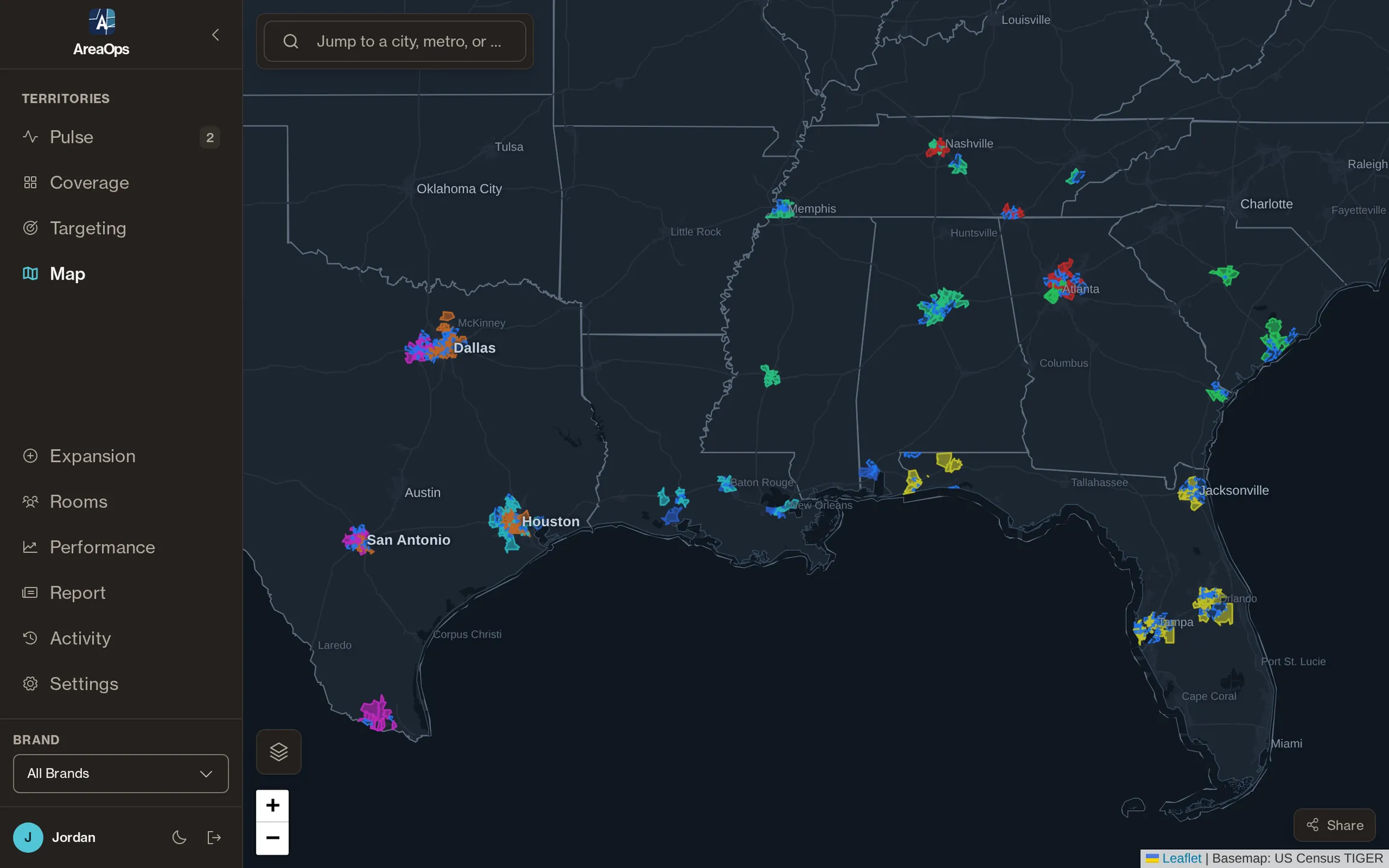
Every brand on one live map: layers, ZIP polygons, and the coverage gaps between them.
You already know the problem
If any of these sound familiar, AreaOps was built for your team.
The numbers that predict home-services conversion
Homeownership, income, housing age, heating fuel, who just moved in, how much sits empty, and where hail actually lands. AreaOps loads every one for every ZIP in your footprint, whatever you or your clients sell to homeowners.
Share your territory —
no login required
Generate a secure link to your service area map in one click. Send it to a GM, a franchise partner, or the client whose campaign you run. They see exactly what you share, and nothing more.
- Time-limited links expire after 30 days
- Scope to a single brand or share all brands at once
- Read-only: recipients can explore but can't change anything
Agency running LSA or direct mail for local-service clients? See how agencies use AreaOps
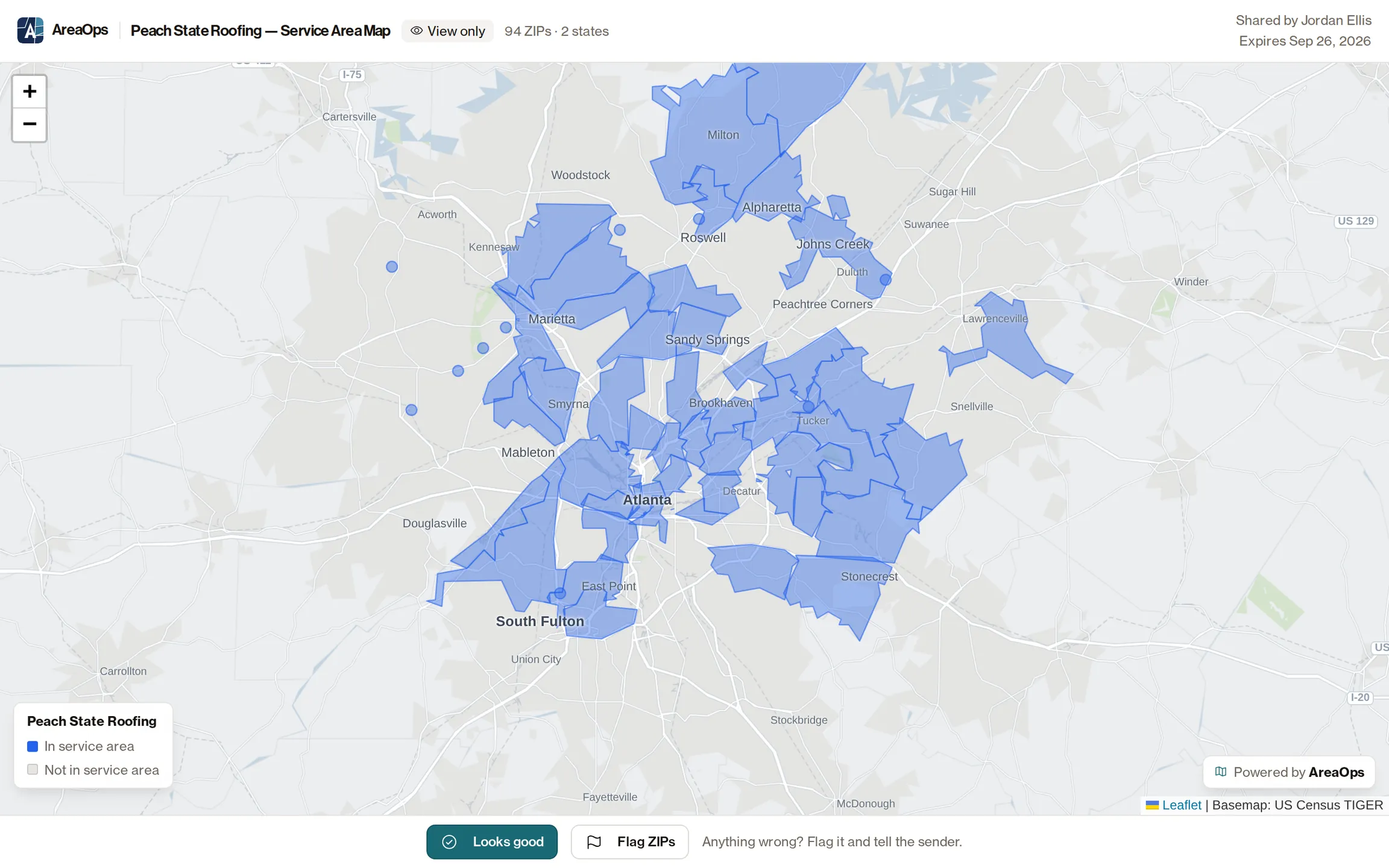
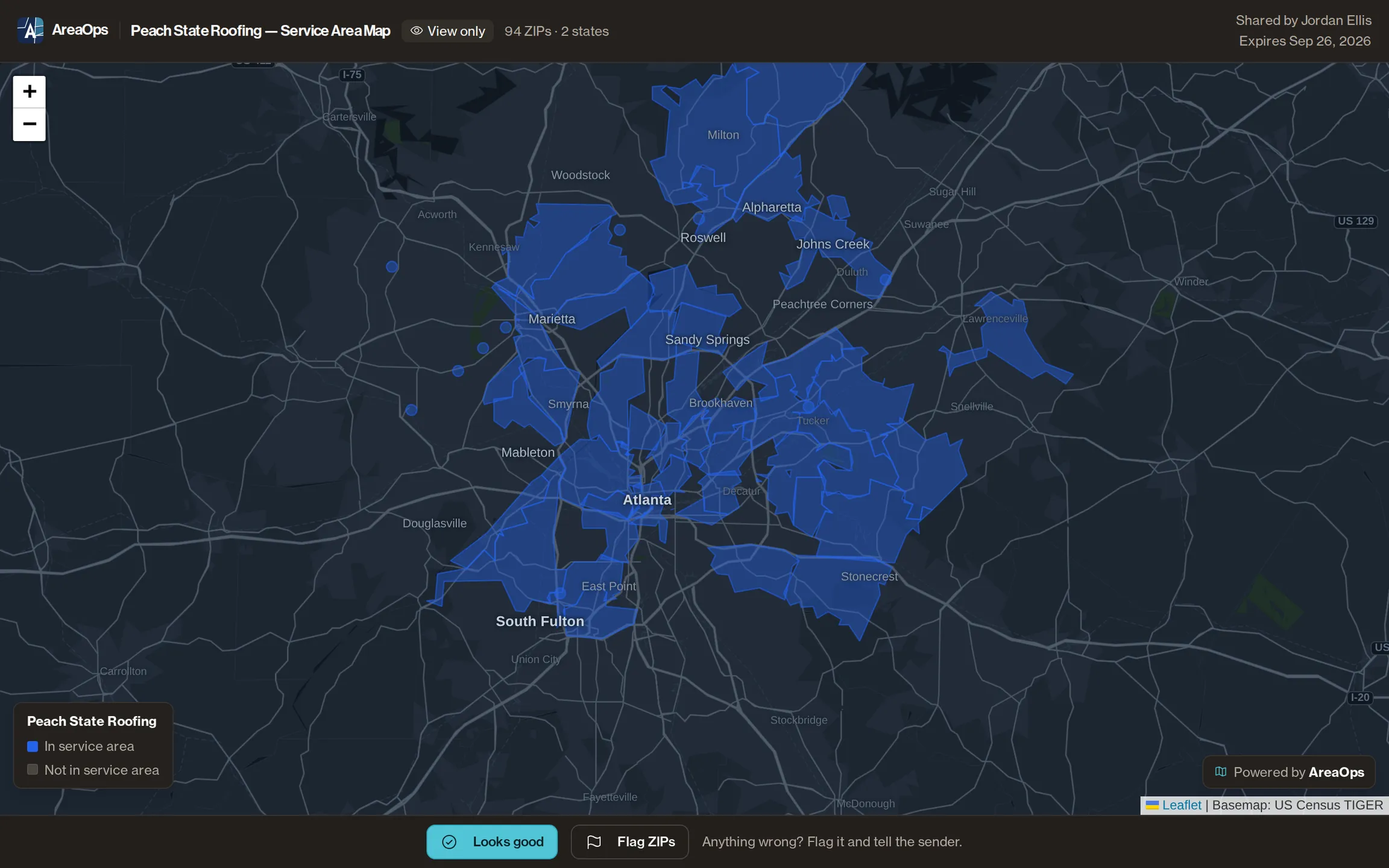
No account needed to view
Know your territory before you spend on it
Add your first brand in under 2 minutes.
Research: We scored every US ZIP code 0–100 for home-services demand → See which metros and ZIP codes rank highest for roofing, HVAC, and landscaping using 2024 Census ACS data.